
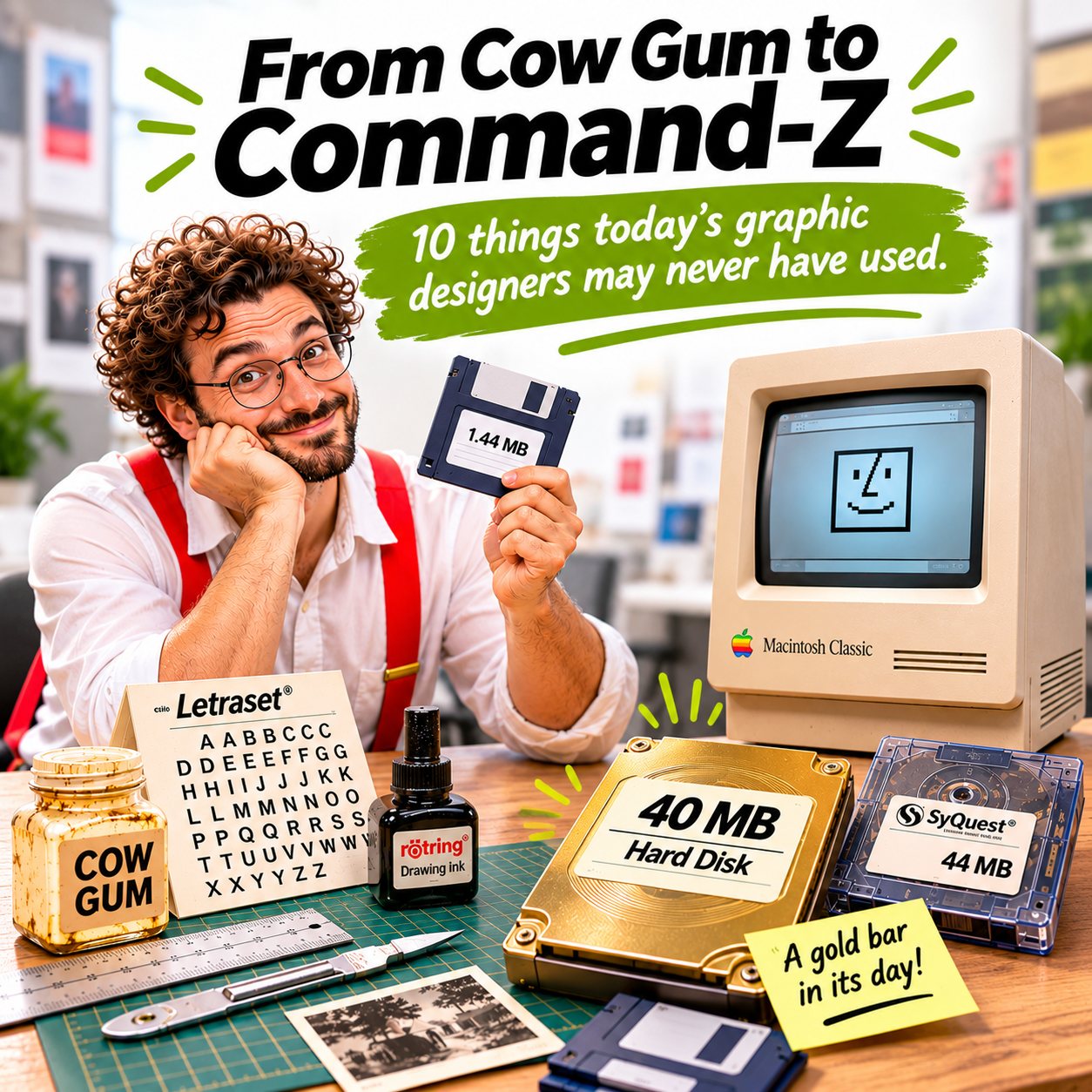
From cow gum to Command-Z: 10 things today’s graphic designers may never have used
When cut and paste involved actual cutting and pasting, 40MB was a luxury, and there was no undo button to save the day.
There was a time when graphic designers worked with scalpels instead of cursors, glue instead of keyboard shortcuts, and drawing boards instead of computer screens.
A time when artwork really was artwork. Physical artwork, camera-ready artwork.
Before Adobe Creative Cloud, instant previews, and cloud storage, producing a brochure, advertisement, annual report, or corporate identity involved an extraordinary amount of manual craftsmanship.
For those who remember those days, here’s a little trip down memory lane. And for younger designers, welcome to a world where Command-Z didn’t exist.
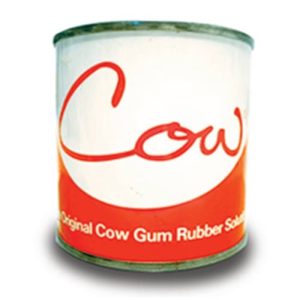
The original cow gum rubber solution adhesive
1. Cow gum and paste-up boards: The original cut and paste
Long before anyone invented the keyboard shortcut Command-X, designers were already cutting and pasting.
Literally.
Typeset text, photographs, illustrations, and graphic elements were painstakingly assembled on artwork boards using cow gum, rubber cement, or other adhesives.
Everything had to be positioned accurately. A crooked headline wasn’t something you could fix with a mouse.
And if you made a mistake? Out came the scalpel.
Then: Cut, paste, reposition, and pray.
Now: Command-X. Command-V. Done.

Letraset-boegen
2. Letraset: Typography at your fingertips
Need a headline? Today, you open a font menu and choose from thousands of typefaces.
Back then, there was Letraset.
These dry-transfer lettering sheets allowed designers to rub individual letters onto artwork using a burnishing tool.
One letter at a time.
Spacing required a good eye, a steady hand, and considerable patience. And heaven help you if you ran out of the letter E halfway through a headline.
Then: Rub, rub, rub.
Now: Type, select, and change your mind 17 times.

Rotring Radiograph Technical Pens 0.1–2.0 mm
3. Rotring pens: Precision without pixels
Before vector graphics became commonplace, designers relied on technical drawing pens to produce clean, consistent lines.
Rotring pens were prized for their precision, with different nib sizes for different line weights.
They were also remarkably good at clogging when you needed them most.
There was no zooming in to 3,200% to adjust a line. Precision came from the designer’s hand.
Then: A steady hand and a bottle of ink.
Now: A Bézier curve and a mouse.

Diatype typesetter
4. Bromides and phototypesetting: When words arrived on paper
Typography wasn’t always something designers could produce themselves.
Copy was sent to a typesetting house, where it was set in the specified typeface, size, and leading. The resulting text could be supplied as bromide prints for physical artwork assembly.
Need to change a paragraph?
Depending on the correction, you might have to order a fresh setting, wait for it, and paste the replacement into position.
Imagine doing that every time a client changed a sentence.
Then: Send it out, wait, collect, and paste.
Now: Open the file, edit the text, and save.

Little John Process Camera
5. Process cameras and colour separations: The magic behind the print
Producing artwork was only part of the process.
Before digital prepress became standard, reproduction houses used process cameras, photographic films, screens, and colour separation techniques to prepare artwork for printing.
Photographs, line artwork, halftones, and colours required careful preparation.
A mistake discovered at this stage could be expensive, especially when film had already been produced.
Then: Film, screens, registration, and a lot of checking.
Now: Export PDF. Send to printer.
Well, hopefully after checking the bleed, colour mode, fonts, and resolution.
Some things never change.

X-Acto-knife
6. Scalpels, cutting mats, and registration marks: Surgery for artwork
A graphic designer’s workstation once looked suspiciously like a surgical operating theatre.
Scalpels, steel rulers, cutting mats, tweezers, masking tape, and registration marks were everyday essentials.
A tiny correction could involve cutting out an offending word, preparing a replacement, and carefully positioning it over the original.
One slip of the blade could mean starting again.
Then: Measure twice, cut once.
Now: Command-Z.
Possibly the greatest invention in the history of graphic design.

Macintosh Classic – Early desktop publishing
7. The Macintosh Classic: A little screen, a big revolution
Then came the Macintosh.
Apple’s Macintosh computers helped transform graphic design, bringing desktop publishing within reach of creative studios.
The Macintosh Classic, introduced in 1990, had a compact nine-inch monochrome display and a mouse that seemed almost magical compared with traditional artwork tools.
Suddenly, designers could arrange type, draw graphics, and compose layouts on a screen.
Of course, that screen was tiny by today’s standards. And everything was black and white.
But it was revolutionary.
Desktop publishing software such as Aldus PageMaker, QuarkXPress, and Adobe Illustrator changed how designers worked.
Then: A nine-inch screen felt like the future.
Now: Two enormous monitors, and somehow there’s still not enough screen space.

3.5-inch floppy disk – 1.44MB storage
8. Floppy disks: 1.44MB of possibilities
Before USB drives, Dropbox, WeTransfer, and cloud storage, there were floppy disks.
The familiar 3.5-inch high-density floppy disk could store 1.44MB.
Yes, megabytes.
Not gigabytes.
You could save documents, artwork files, and small graphics, provided they fitted.
And if they didn’t? You might need multiple disks, file compression, or a different storage solution.
There was also that unforgettable moment when a disk refused to read.
Usually when you needed the file urgently.
Then: “Have you got a spare floppy?”
Now: “I’ll send you the link.”

Conner CP3000 — 40MB hard disk
9. The 40MB hard disk: A gold bar!
Now here’s something that might astonish younger designers.
There was a time when owning a 40MB hard disk was practically a status symbol.
Forty megabytes of storage!
A serious investment, and something to be treasured.
Every megabyte counted. Old files were regularly deleted, artwork was carefully archived, and keeping unnecessary versions wasn’t always an option.
Then someone would announce they’d upgraded to an 80MB hard disk.
Show-off!
Today, a single high-resolution photograph can easily exceed 40MB.
And we complain when our terabyte drives start filling up.
Then: 40MB was a gold bar.
Now: 40MB is barely a file attachment.

SyQuest SQ400 — 44MB
10. LaserWriters and SyQuest cartridges: The desktop publishing era takes off
As desktop publishing grew, so did the need for better output and larger storage.
Apple’s LaserWriter helped make PostScript printing accessible to designers, allowing type and graphics to be printed with impressive sharpness for the time.
Meanwhile, SyQuest removable hard disk cartridges became familiar sights in design studios and production houses.
With capacities such as 44MB, 88MB, and later larger sizes, they provided a practical way to transport artwork files that had outgrown floppy disks.
Taking a cartridge to a service bureau or printer was part of the production routine.
Then: “I’ll send the disk over.”
Now: “I’ve uploaded the files.”
Same objective. Very different journey.
From craftsmanship to creative thinking
Looking back, it’s remarkable how much the graphic design profession has changed.
Tasks that once took hours can now be completed in minutes. Corrections that required scalpels and replacement bromides can be made with a few keystrokes. Files that once needed expensive storage devices can now be shared almost instantly.
And with artificial intelligence entering the creative workflow, the pace of change is accelerating again.
But here’s something worth remembering.
Faster production doesn’t necessarily mean better design.
The tools may have become more sophisticated, but the fundamentals remain: understanding the brief, organising information, making thoughtful creative decisions, and communicating effectively.
At JAB Design, we believe technology should support creative thinking, not replace it.
Because while the tools have changed, the value of good design has never been about the tools alone.
We used to cut and paste with our hands. Today, we do it with a keyboard. But knowing what to cut, what to keep, and why? That still takes a designer.
Unleashing Creative Impact!
Related Reading
- Interview with JAB Design
- Design Careers with JAB Design
- 3 Things You Didn’t Know About Kallang
- RGB vs CMYK: Why Colours Look Different on Screen and in Print
- AI vs .AI Files: Why Your Printer Isn’t Asking for Artificial Intelligence
More About What We Do
Our creative expertise spans four core disciplines:
Need help? Tell us about your project — email us or use our contact form.

